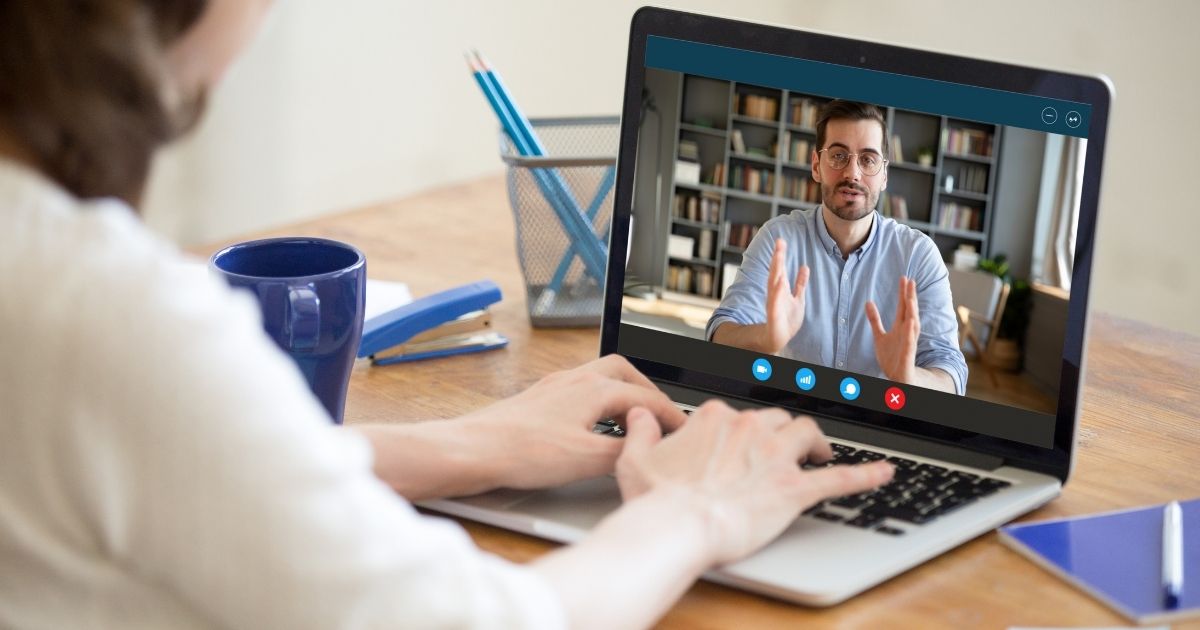
Adopting modern, visual channels is essential for competitive advantage. The ability to offer direct, face-to-face support sets your brand apart. It improves efficiency and strengthens customer loyalty.
In customer support, traditional channels like email and chat often fall short in complex situations. To fix this problem competitive companies are now realizing the transformative power of video call integration.
In this guide, we will walk through five clear steps to successfully choose and embed call features.
Let’s start.
Why Visual Support is the Future of Customer Experience
Customers expect to resolve their issues quickly and efficiently. By 2025, around 89% of businesses will compete primarily on the basis of customer experience, and video support delivers tangible business benefits right away.
Aberdeen’s report on The Power of Visual Engagement found that companies using video and screen sharing saw a significant increase in CSAT compared to those using voice-only. Research by the SQM Group also shows that FCR can jump by 25% when agents use visual tools.
So it is clear that when you use video support the result is happier customers and lower operational costs. Face-to-face support also builds instant trust and rapport between the customer and the brand.
Let’s dig into the implementation of this feature
Step 1: Selecting the Right Web Video Widget
The first critical decision is selecting the right tool. You need a platform that is secure, scalable, and easy to deploy. The web video widget must integrate cleanly with your existing website design.
- Look for Customization: The widget should match your brand’s colors and logo. This ensures a consistent and professional look.
- Prioritize Security: Ensure the platform offers end-to-end encryption and compliance standards. Data security is non-negotiable for customer trust.
- Confirm Reliability: Choose a solution built for high-volume, real-time support traffic. It must handle peak usage without lag or drops.
Click2Connect provides a fully customizable, low-latency web video widget. It is designed specifically for high-stakes customer interactions.

Step 2: Integrating the Embed Video Call Code
Once the platform is chosen, the technical deployment begins. This step involves adding a short snippet of code to your website’s backend. This action enables the embedded video call functionality.
The code typically looks like a standard JavaScript snippet. It is placed within or before the closing tag. This placement ensures the widget loads correctly on every page.
- Sandbox Testing: Always deploy the widget code in a staging or sandbox environment first. This prevents any live conflicts with existing scripts.
- Conditional Loading: Configure the code to load only on specific, high-intent pages. Examples include your support center or product setup guides.
- Documentation Review: Follow the documentation that streamlines the process and minimizes implementation errors.
Successful deployment makes the service icon visible to your visitors. Customers can initiate an embedded video call with a single click.
Step 3: Configuring Routing for Real-Time Support
Embedding the widget is only half the battle. You need an intelligent routing system to ensure speed and efficiency. Proper routing minimizes wait times and avoids unnecessary support escalation.
The goal is to connect the customer to the best-equipped agent immediately. This ensures high-quality real-time support.
- Skill-Based Routing: Direct calls based on the customer’s location or issue type. A technical issue should bypass general inquiry queues.
- Triage Prioritization: Prioritize customers who initiate video calls from specific URLs. For example, customers on a high-value purchase page might receive priority routing.
- Context Passing: Ensure the widget passes essential customer data to the agent. This might include their name, browser type, and the page they are viewing.
Intelligent routing, often configurable within Click2Connect, significantly speeds up resolutions. Quick responses are crucial, as customers expect immediate interaction when seeking support.
Step 4: Testing Device Compatibility and Launch
Thorough testing is the final quality assurance step before launch. Video functionality introduces new variables like microphone and camera access. These variables require rigorous checks across devices.
Rigorous Testing Checkpoints:
- Browser Coverage: Test on Chrome, Firefox, Safari, and Edge. Confirm that all necessary permissions are prompted correctly.
- Mobile Experience: Verify the widget functions perfectly on iOS and Android smartphones. Ensure the web video widget is accessible and fluid on smaller screens.
- Pre-Call Checks: Agents must confirm their cameras and audio are working before joining. This prevents frustrating technical failures for the customer.
Agents also need training on delivering effective visual support. They must learn how to use screen-sharing and annotations effectively. This visual support is key to solving complex problems quickly.
Step 5: Leveraging Visual Support for Better Outcomes
Launching the service is just the beginning. The greatest value comes from leveraging the power of visual support.
Video support transforms the nature of support escalation. It allows agents to handle issues that previously required a physical visit or a lengthy email chain.
This capability is especially helpful for complex products or technical troubleshooting. Showing the problem, rather than describing it, eliminates confusion. Ultimately, embedding face-to-face support improves the overall customer experience. It makes your brand feel human, accessible, and highly capable.
🎯Ready to upgrade your customer experience?
Request a demo to see how easy it is to deploy the Click2Connect web video widget and start providing superior real-time support.
Contact our team to schedule your walk-through and transform your customer experience.